

Your luggage tag
Download it, print it and tie it to your backpack.
Download it
It comes with your confirmation email, and it's always up to date in “Manage my booking”:
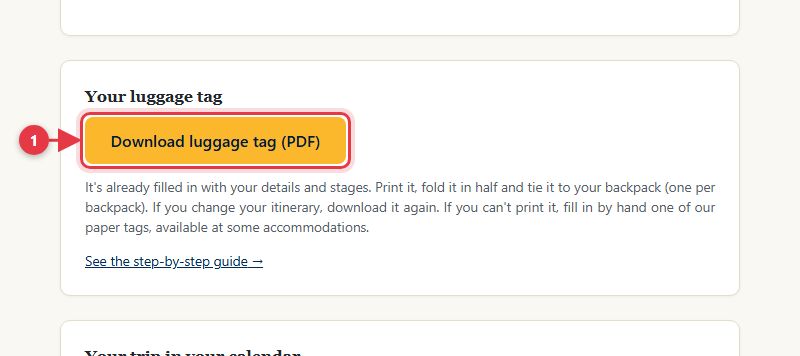
- Tap to download the PDF, already filled in with your details and stages.
Print it and tie it on
Fold it in half and tie it firmly to your backpack, one per backpack. The QR code only shows that day's stage, none of your details.
No printer?
Fill in one of our paper tags by hand, available at some accommodations: your name, email and phone.